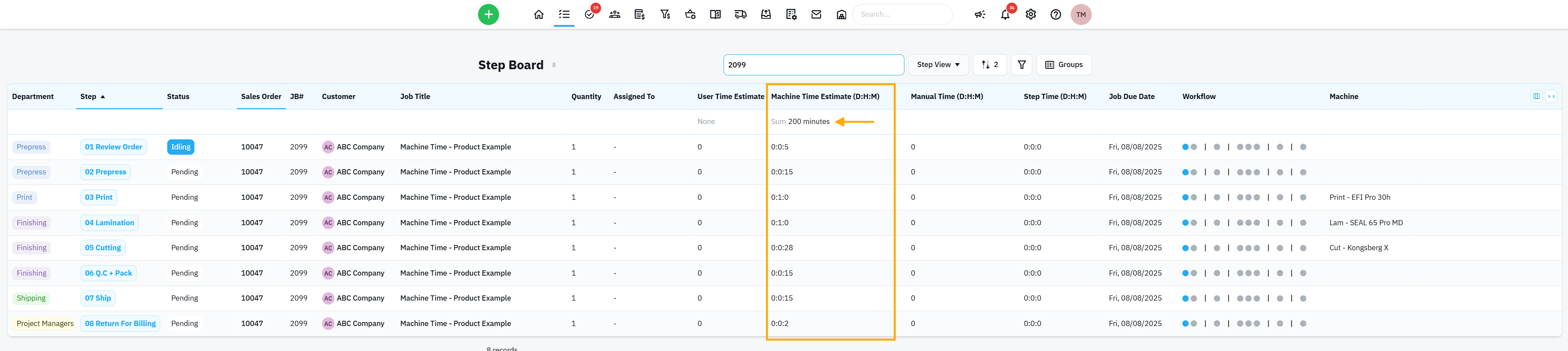
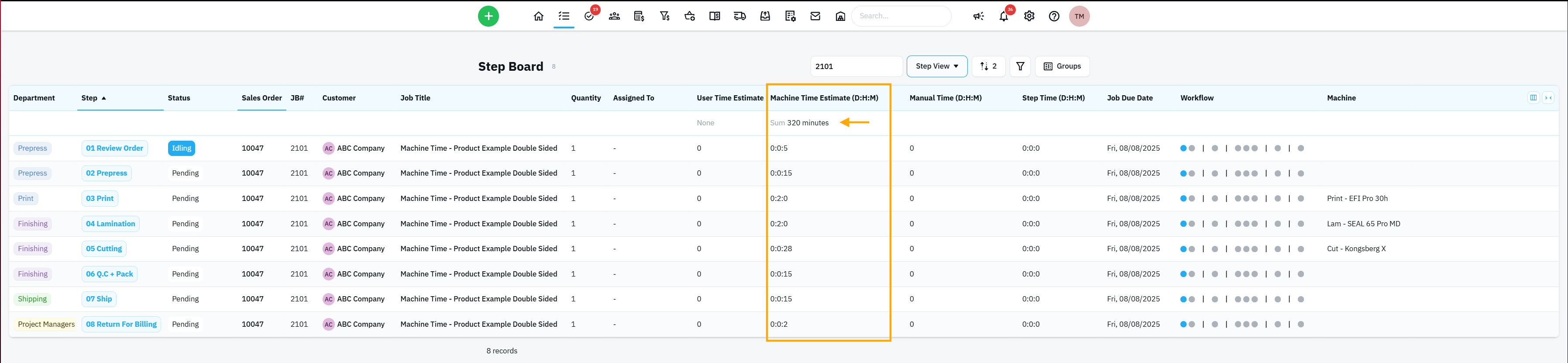
The Machine Time Formula is a powerful feature that helps estimate the time required for each production step. It provides a reliable estimate, allowing you and your team to quickly assess the time for each step on the step board. By filtering the step board by departments, you can better manage incoming and current workloads.
All calculations are based on the modifiers you’ve set up in your products.
Estimating Workflow Steps on the Step Board
To use the Machine Time Formula, you'll need the following:
A workflow outlining the production steps your product follows.
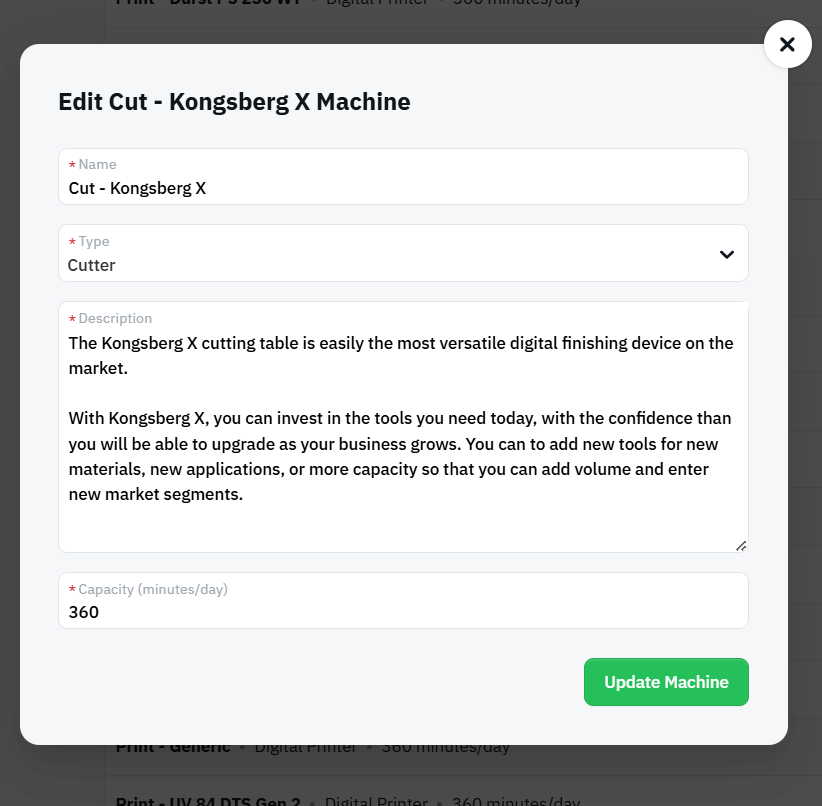
A list of machines set up in the machine section, with their daily runtime (in minutes).
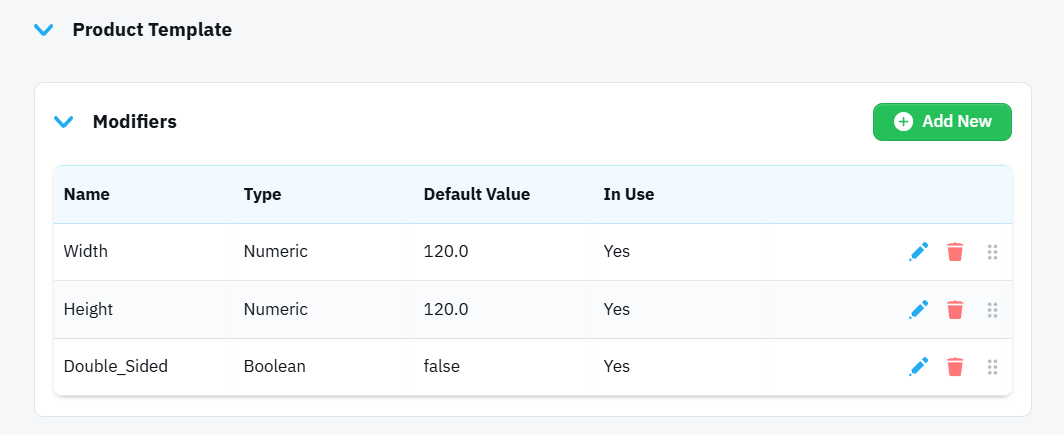
A product with relevant modifiers (e.g., Width, Height, Double-Sided).
Once these elements are in place, the Machine Time Formula will connect them for accurate step-time estimates.
General Setup Overview
Before diving into the Machine Time Formula, let's review the basic setup:
Workflow
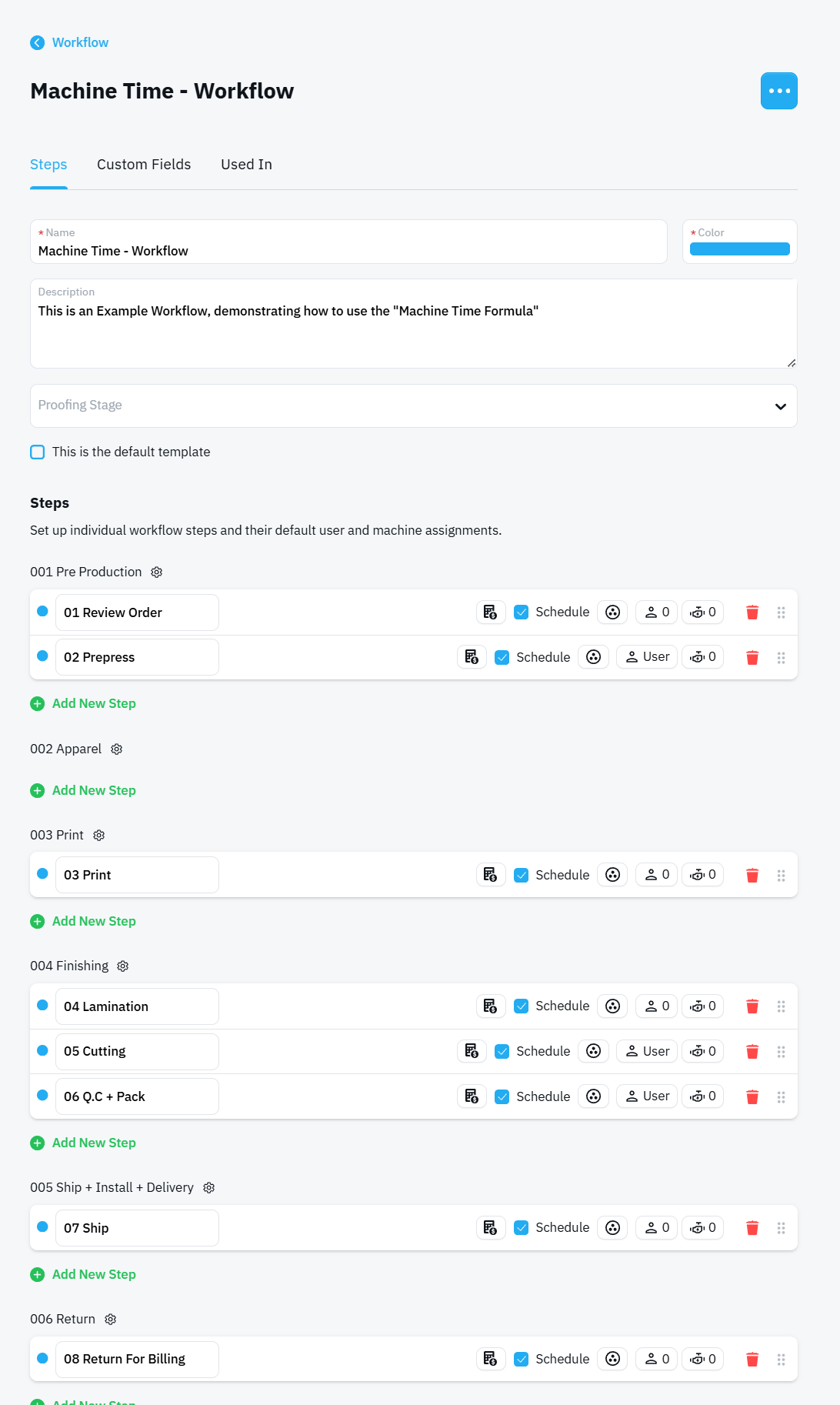
Create a Workflow called "Machine Time - Workflow" with the following steps:
01 Review Order
02 Prepress
03 Printing
04 Lamination
05 Cutting
06 Q.C. & Packaging
07 Shipping
08 Return for Billing
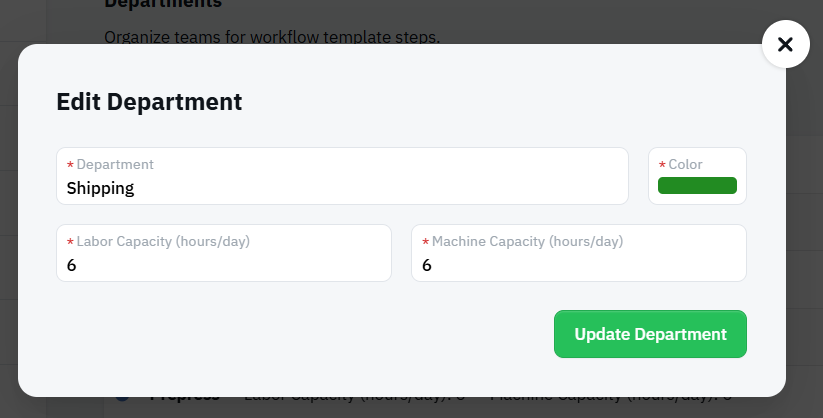
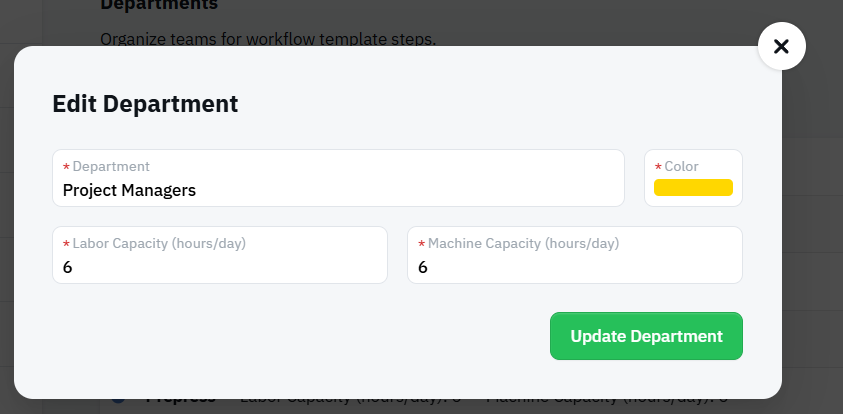
Departments
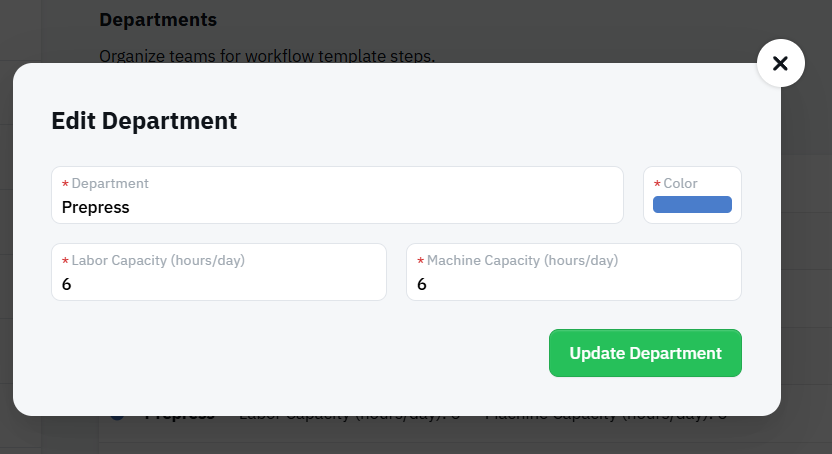
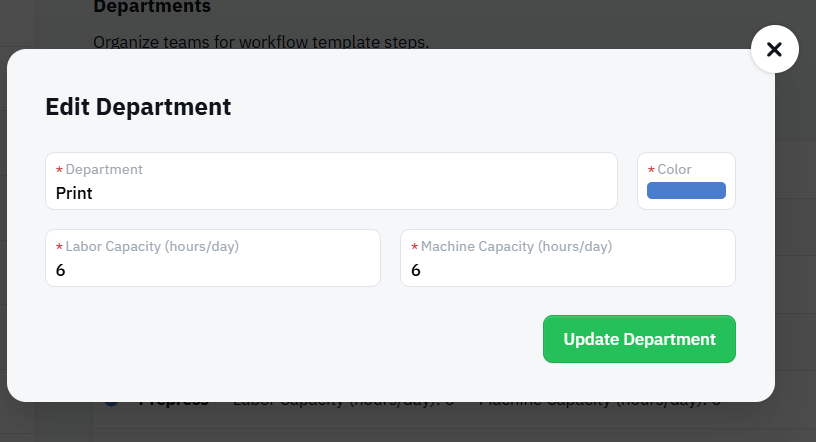
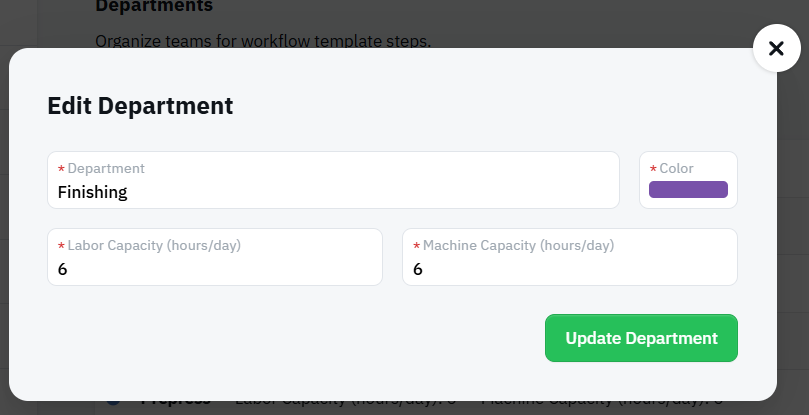
Create Departments to group your workflow steps:
Prepress
Print
Finishing
Shipping
Project Manager
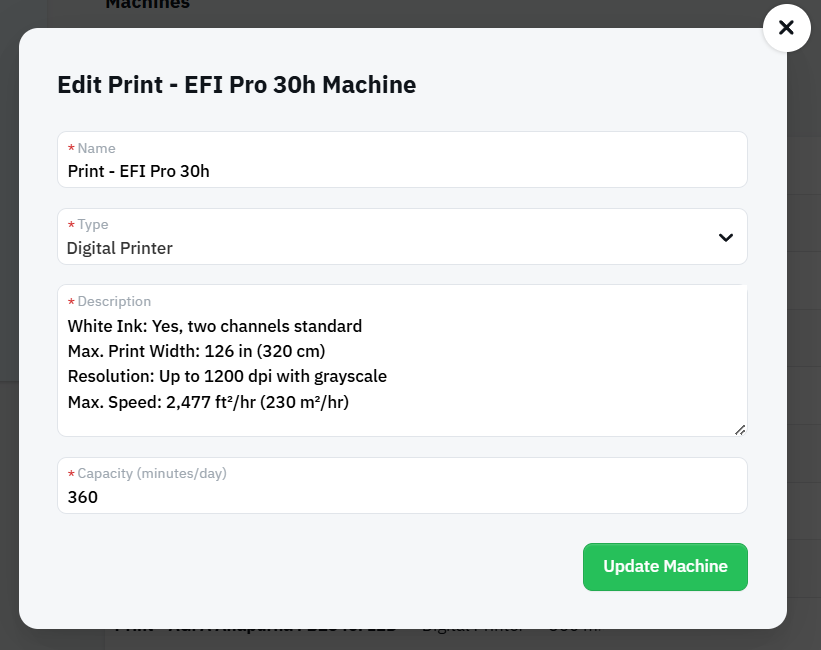
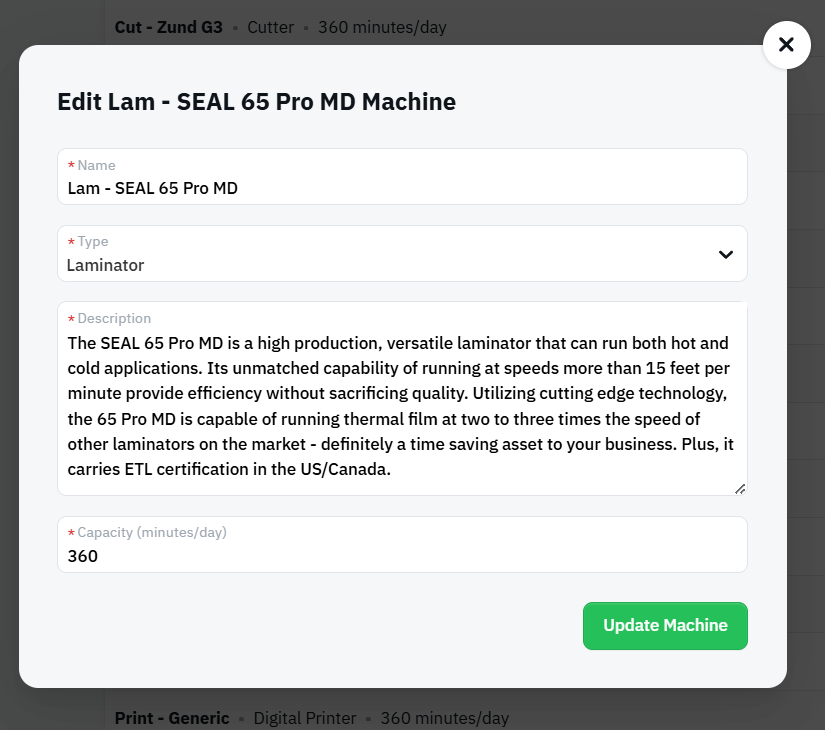
Machines
Create Machines for each step:
Print – EFI Pro 30h
Laminate – SEAL 65 Pro MD
Cut – Kongsberg X
Product
Create a Test Product for testing:
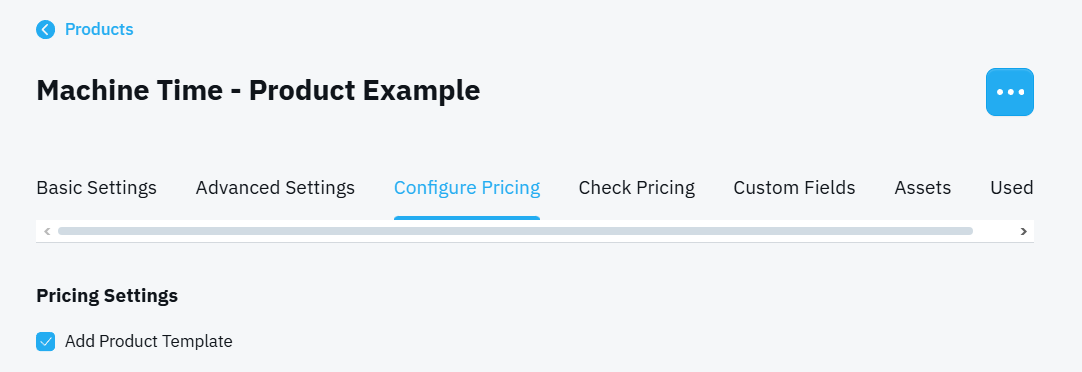
Create a new Custom Product named "Machine Time - Product example".
Turn on the Product Template.
Add modifiers for Width, Height, and Double-Sided options.
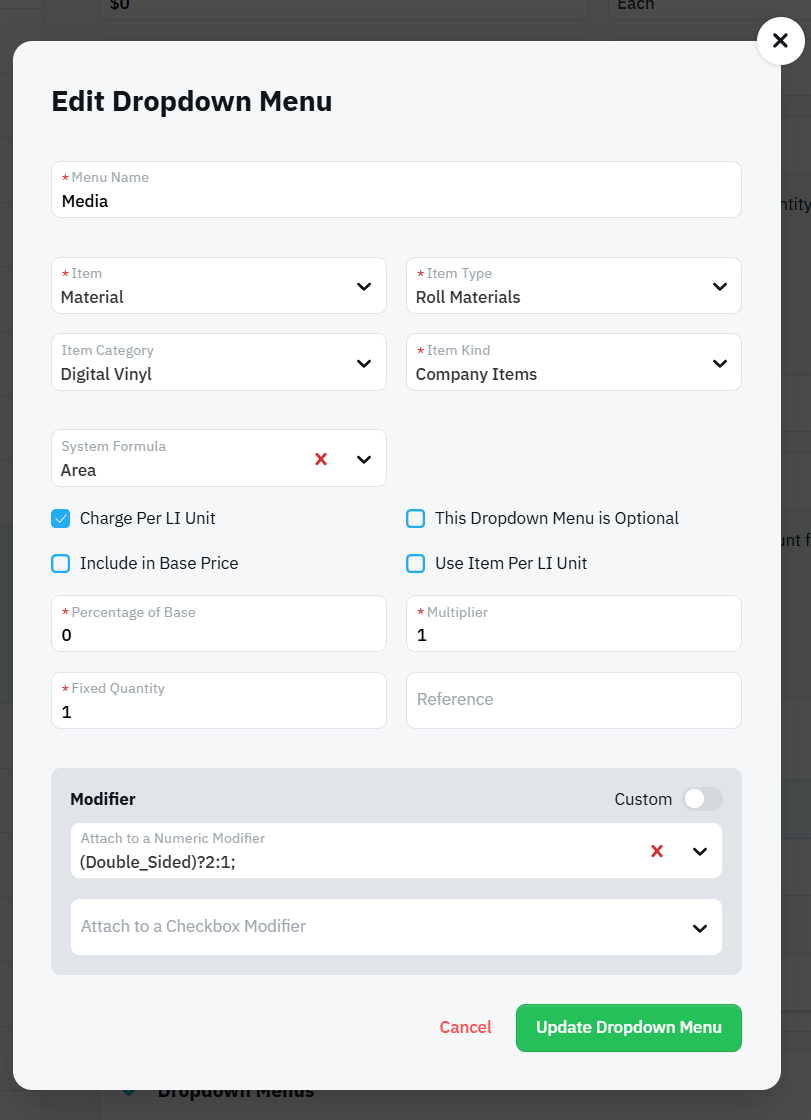
Add a dropdown menu for your Media, set to Roll Materials.
Set the System Formula to calculate Area.
Set the Custom Formula to: (Double_Sided) ? 2 : 1;
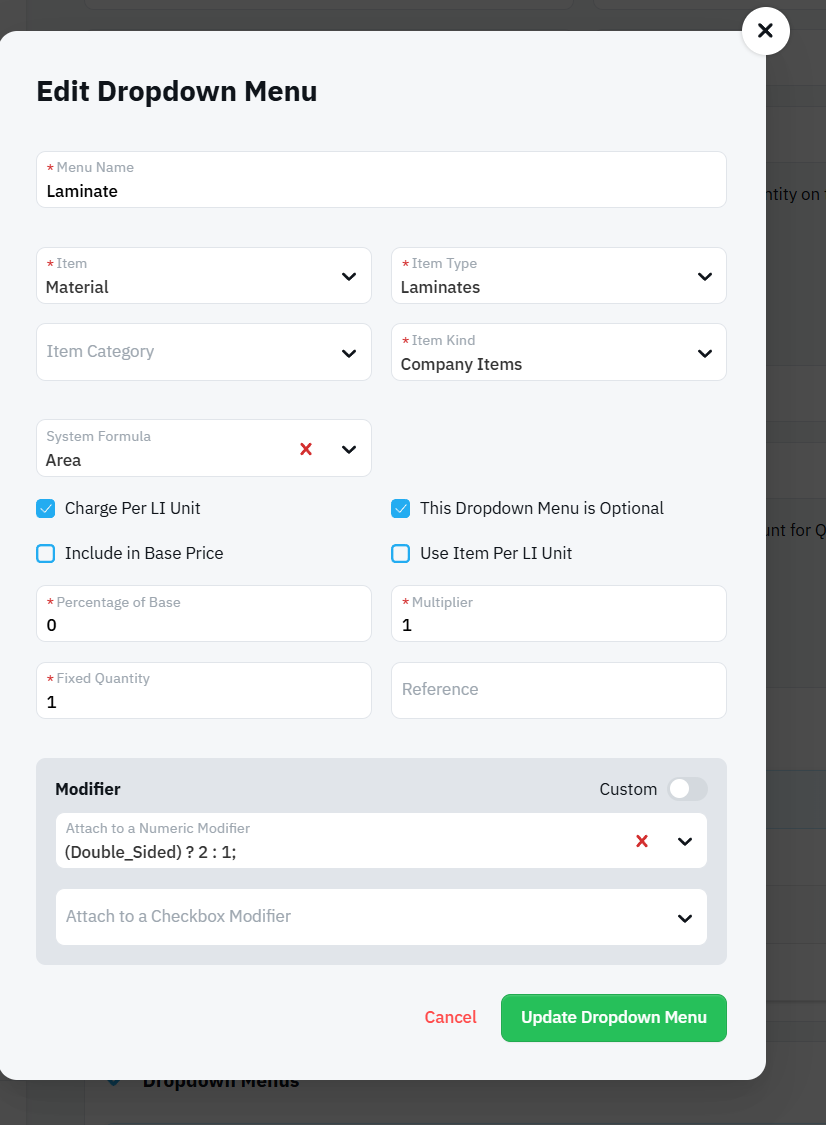
Add a dropdown menu for Lamination, also set to Roll Materials.
Set the System Formula to calculate Area.
Set the Custom Formula to: (Double_Sided) ? 2 : 1;
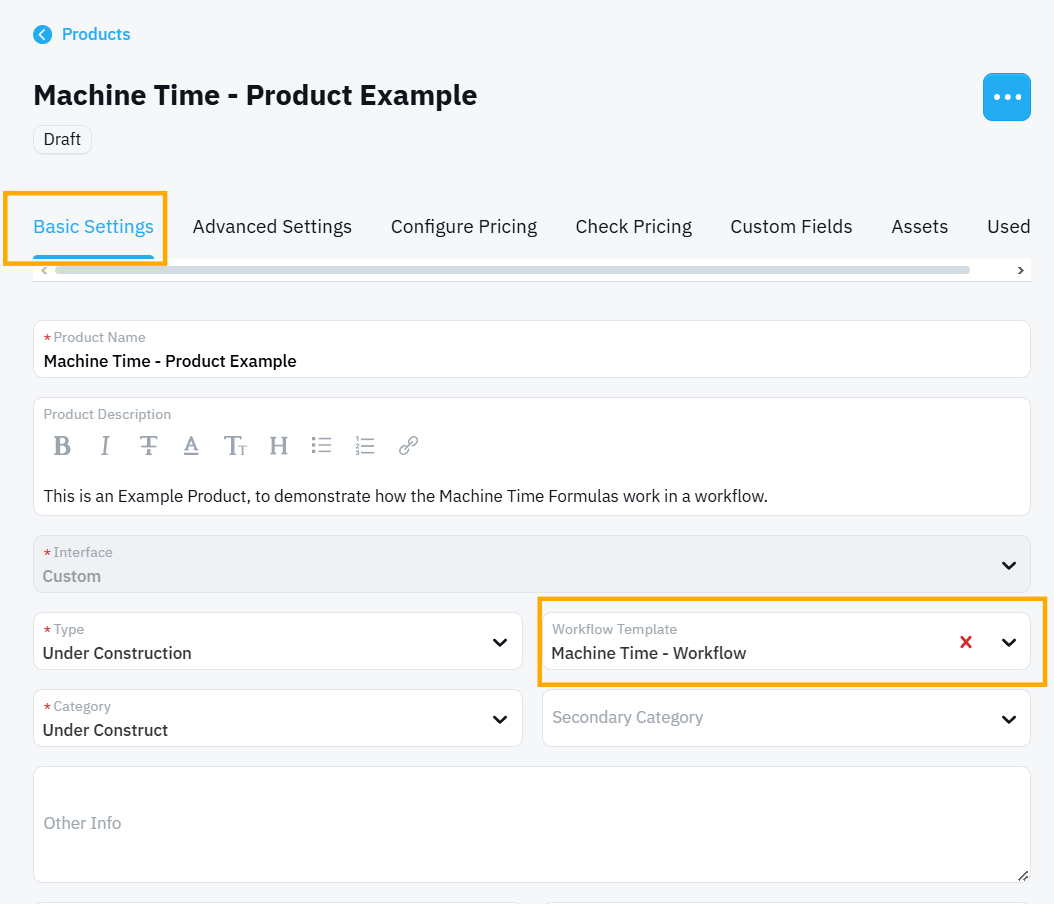
Assign the product to the workflow "Machine Time - Workflow".
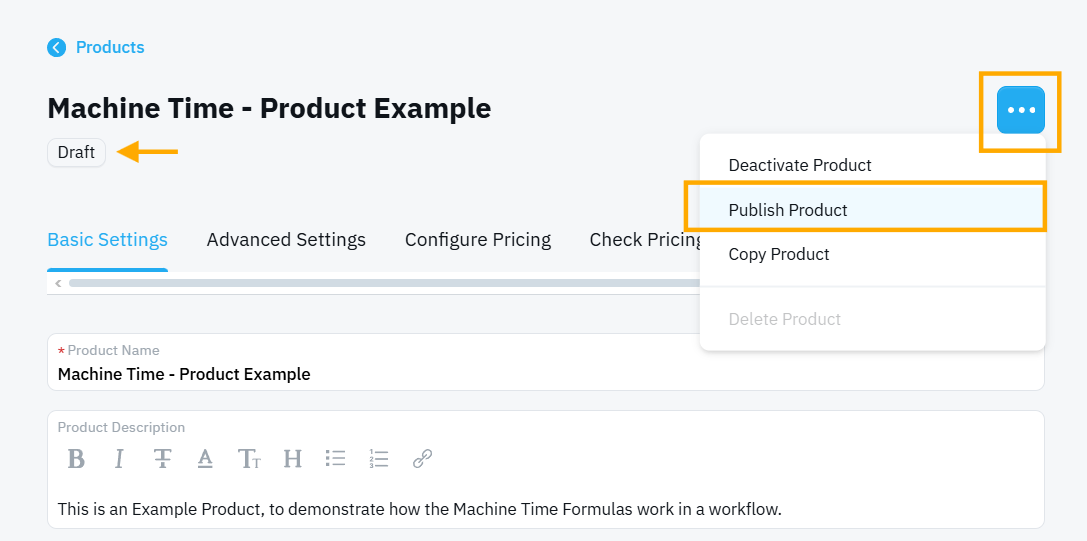
Publish the product so it’s available in a Quote, Sales Order, or Invoice.
Configuring the Machine Time Formula
Let’s start configuring the Machine Time Formulas for each step.
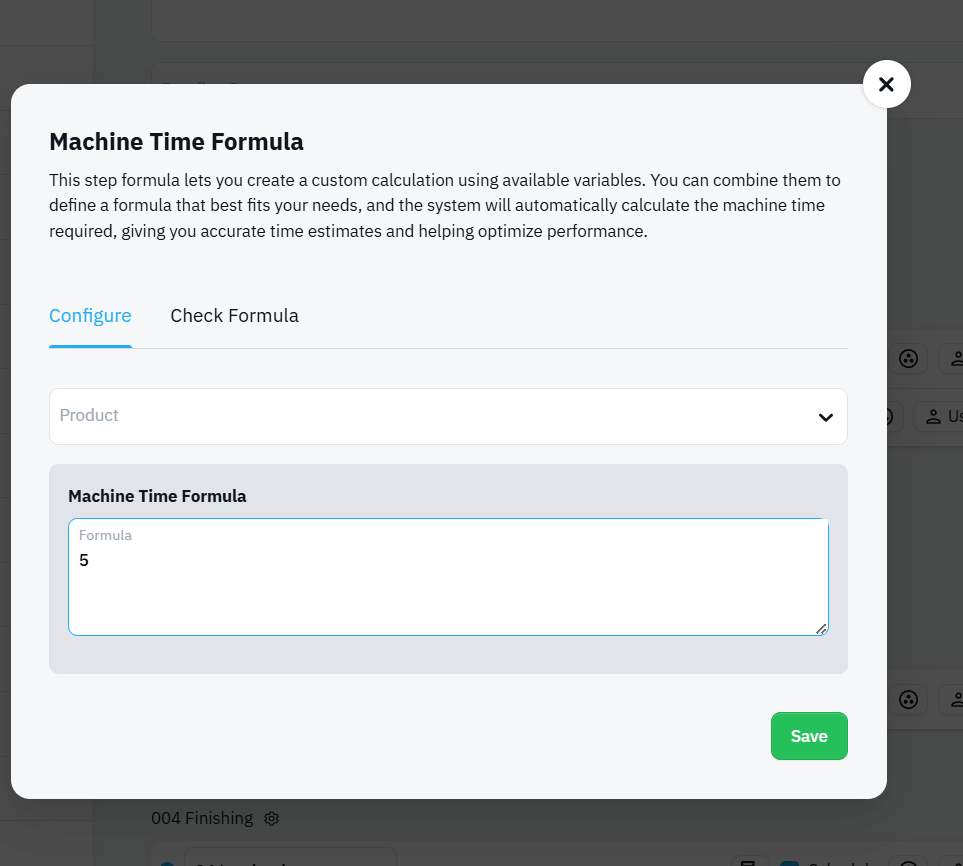
Step 01: Review Order
Department: Prepress
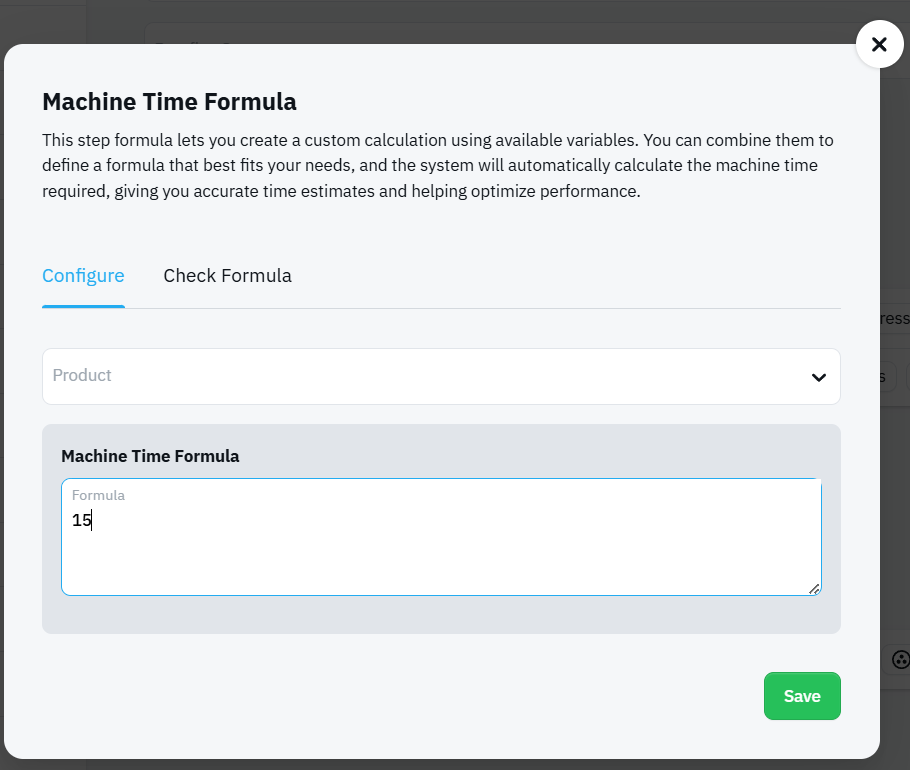
Machine Time Formula: 5 (represents 5 minutes of time)
Step 02: Prepress
Department: Prepress
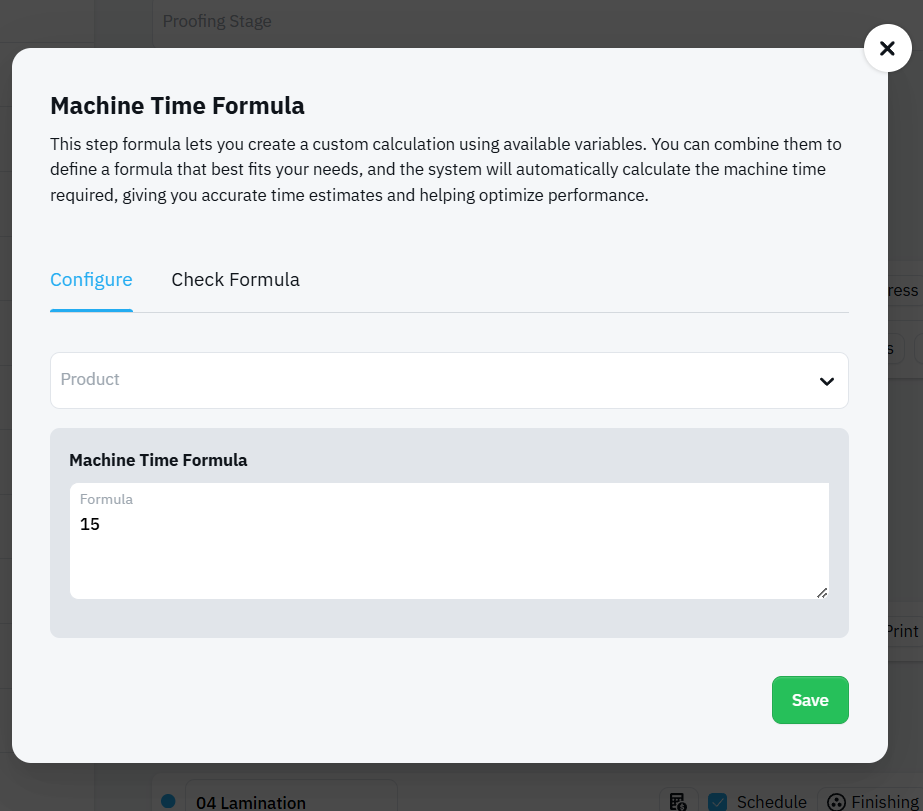
Machine Time Formula: 15 (represents 15 minutes for file prep)
Step 03: Print
Department: Print
Machine: Efi Pro 30h
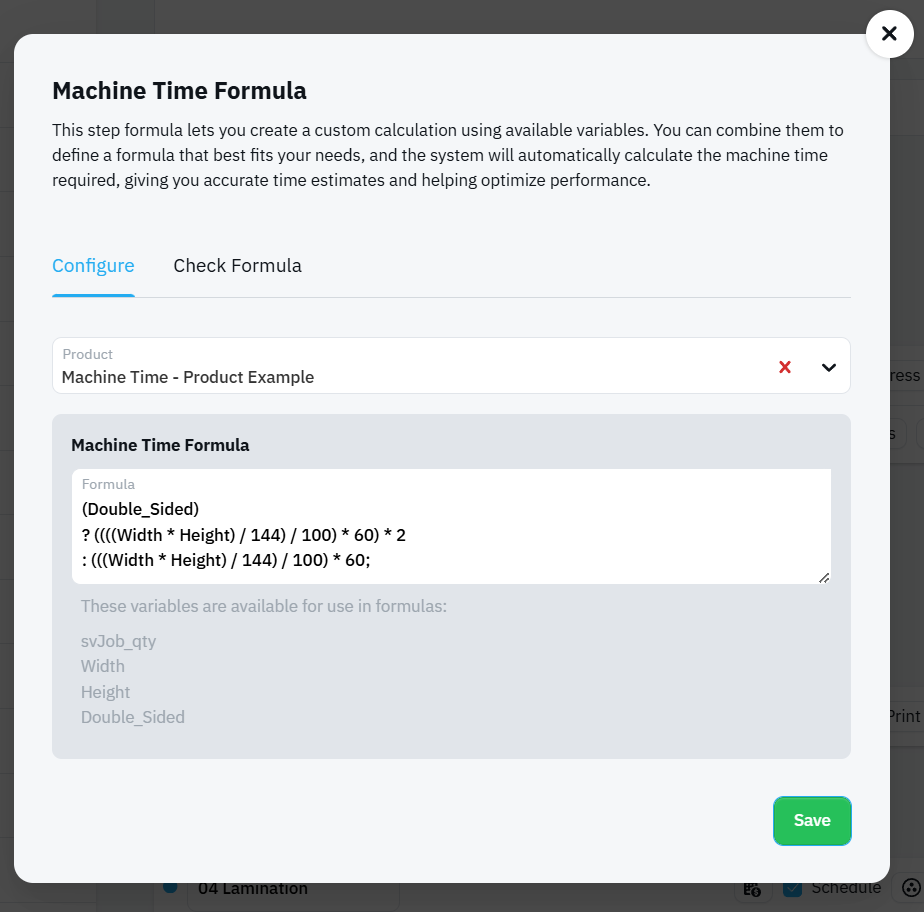
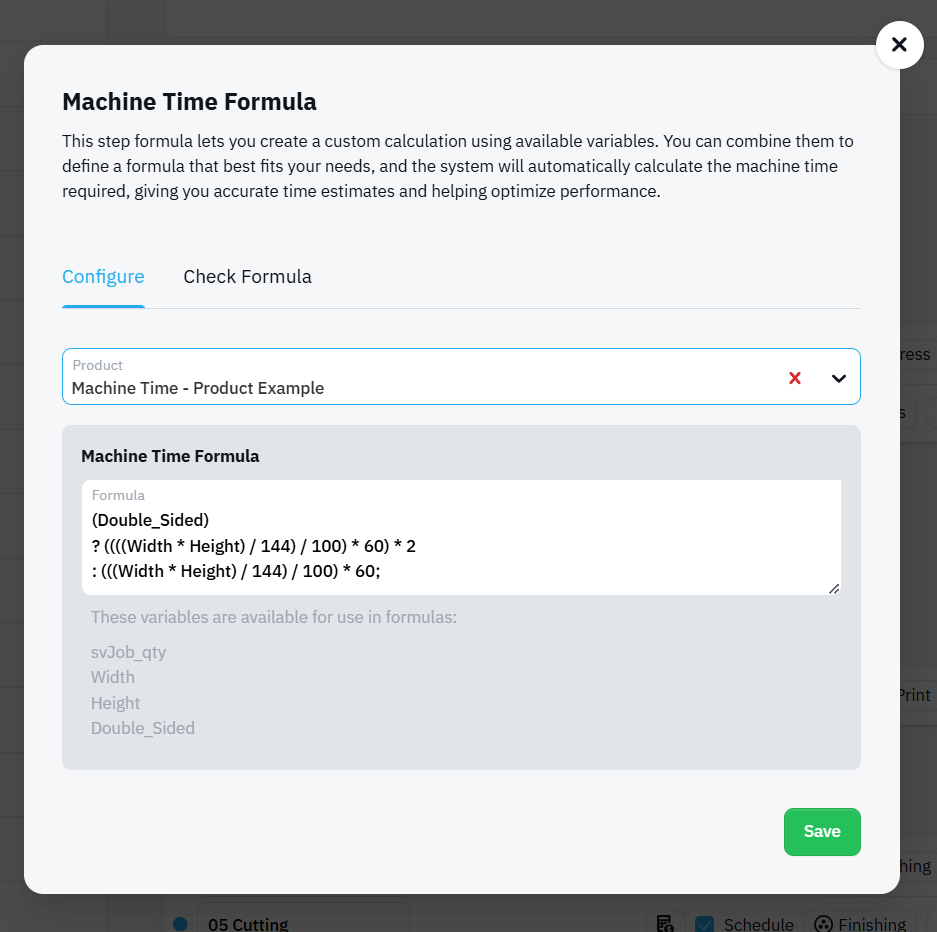
Machine Time Formula: Pick Product "Machine Time - Product" You will immediately see all the available modifiers for that product, allowing you to create a formula.
The same logic applies as in the printing step, calculating the total lamination time based on square footage and whether the product is double-sided.
Step 05: Cutting
Department: Finishing
Machine: Kongsberg X
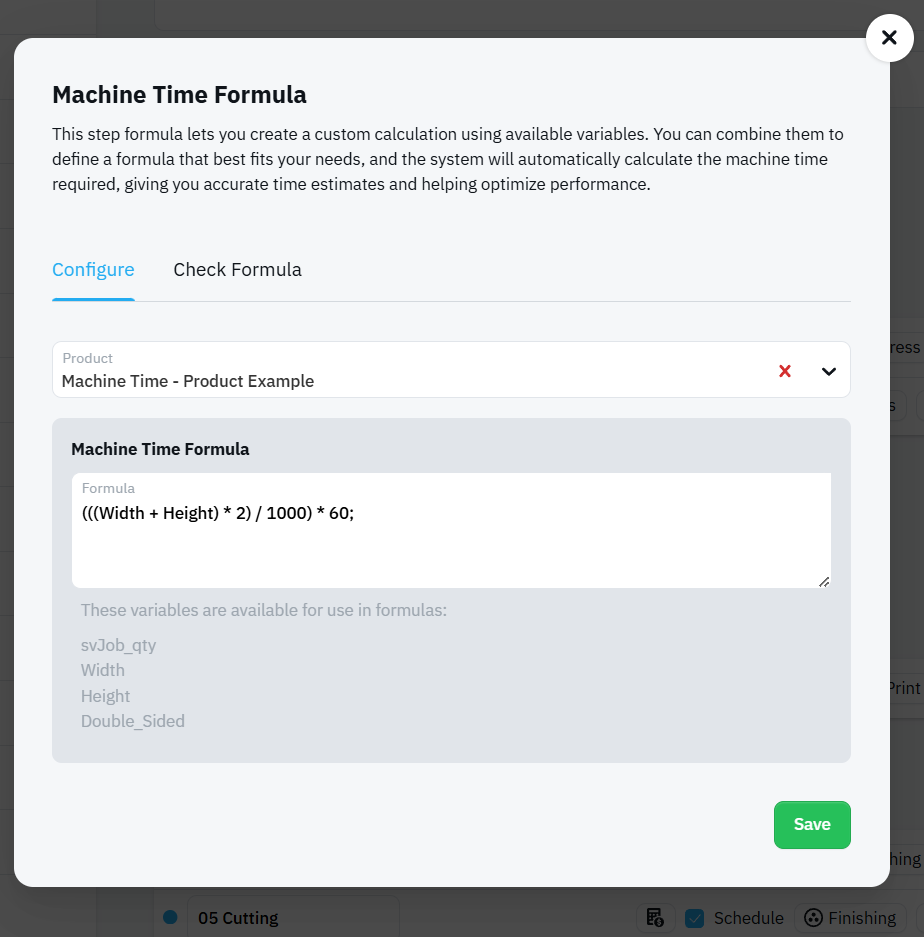
Machine Time Formula: Pick Product "Machine Time - Product"
Formula used:
(((Width + Height) * 2) / 1000) * 60;
Formula Explanation:
Perimeter: (Width + Height) * 2 (this calculates the total perimeter of the item).
Divide by 1000: Represents 1000 inches per hour for cutting speed.
Multiply by 60: Converts hours into minutes.
This formula calculates the time required for cutting, based on a machine running at 1000 inches per hour.
Step 06: Q.C. & Pack
Department: Finishing
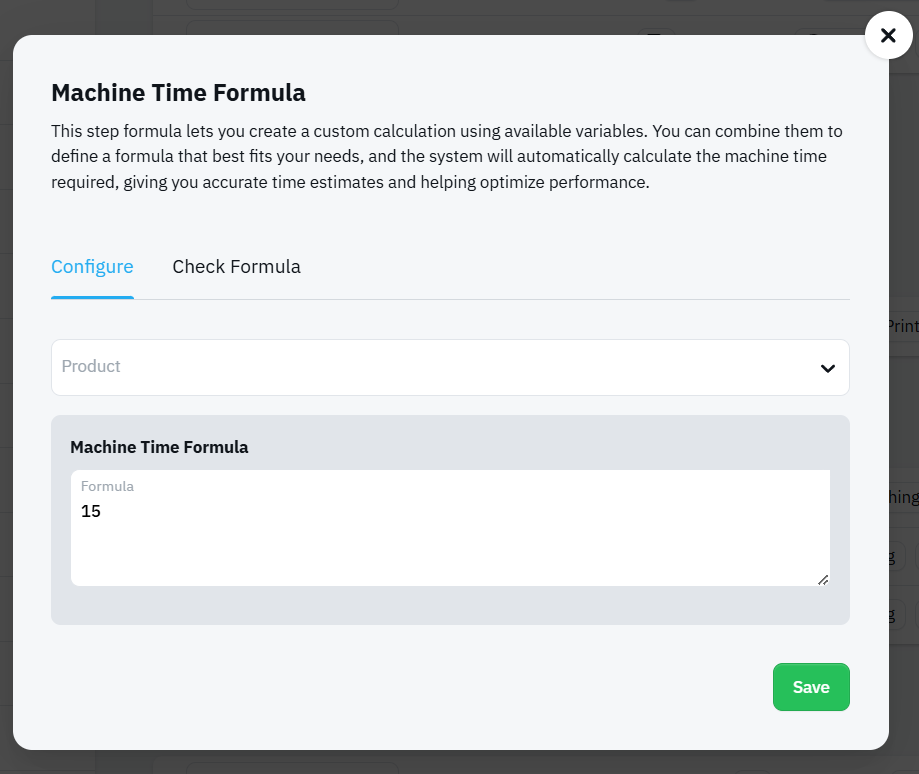
Machine Time Formula: 15 (represents 15 minutes for quality control and packing)
Step 07: Shipping
Department: Shipping
Machine Time Formula: 15 (represents 15 minutes for shipping)
Step 08: Return for Billing
Department: Project Managers
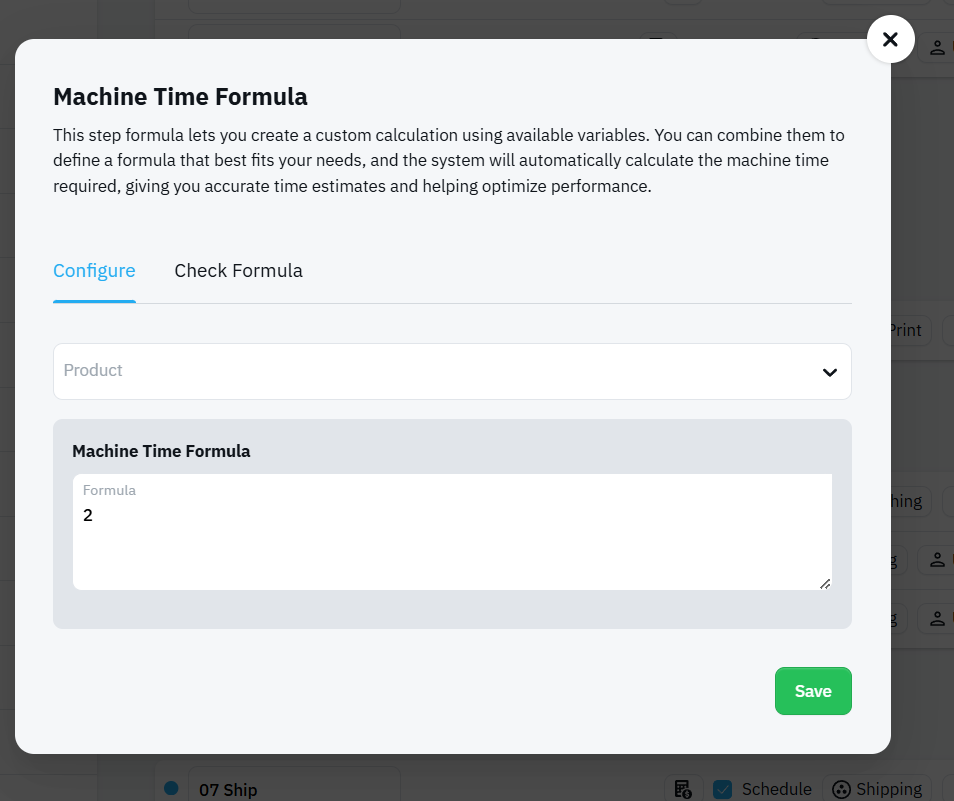
Machine Time Formula: 2 (represents 2 minutes for administrative return to billing)
Testing This Out on a Sales Order
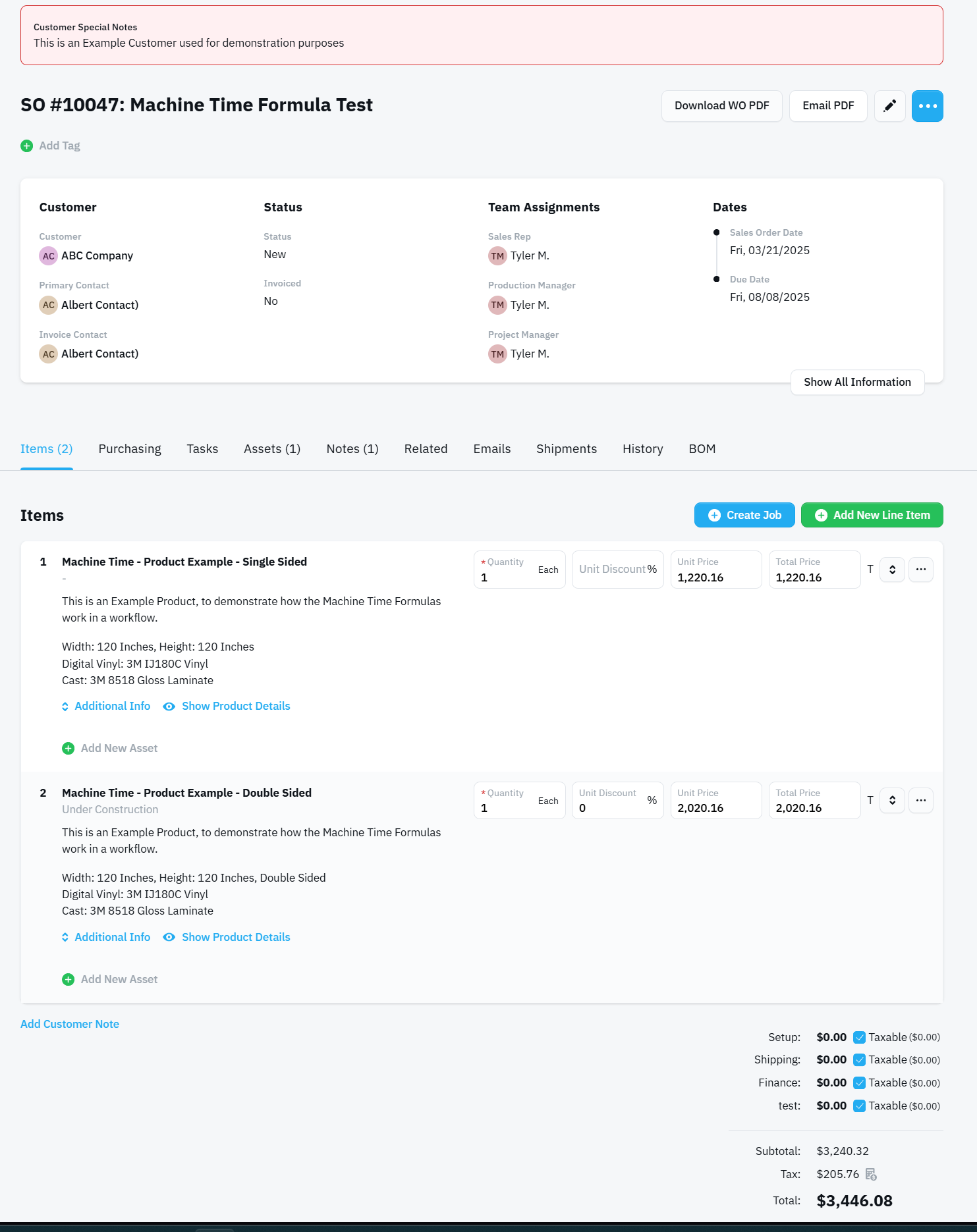
Create a Sales Order titled "Machine Time Formula - Test".
Add a Line Item using the new product.
Width: 120", Height: 120".
Pick a media, pick lamination, and hit save.
Duplicate the Line Item and select the Double-Sided option for the duplicate.
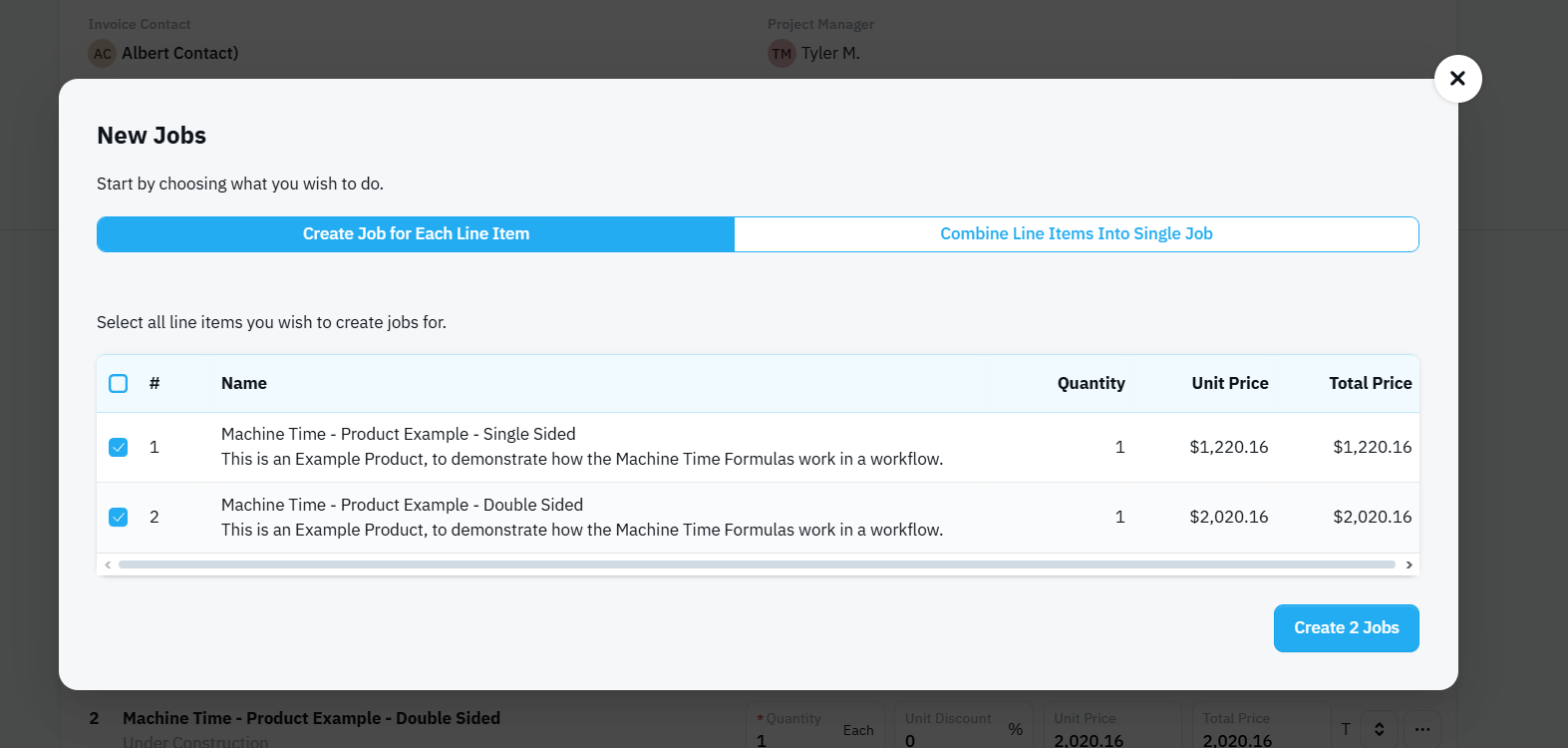
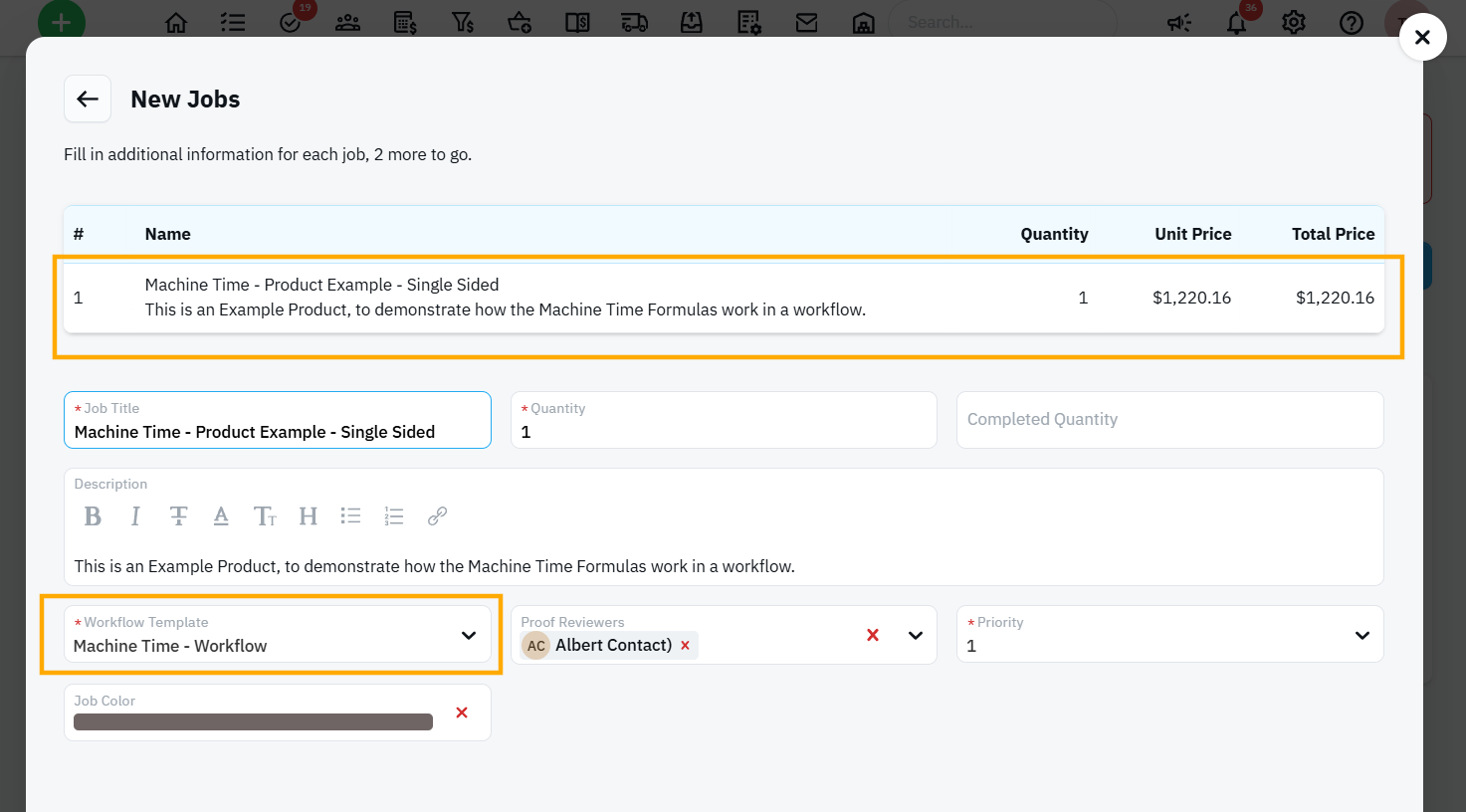
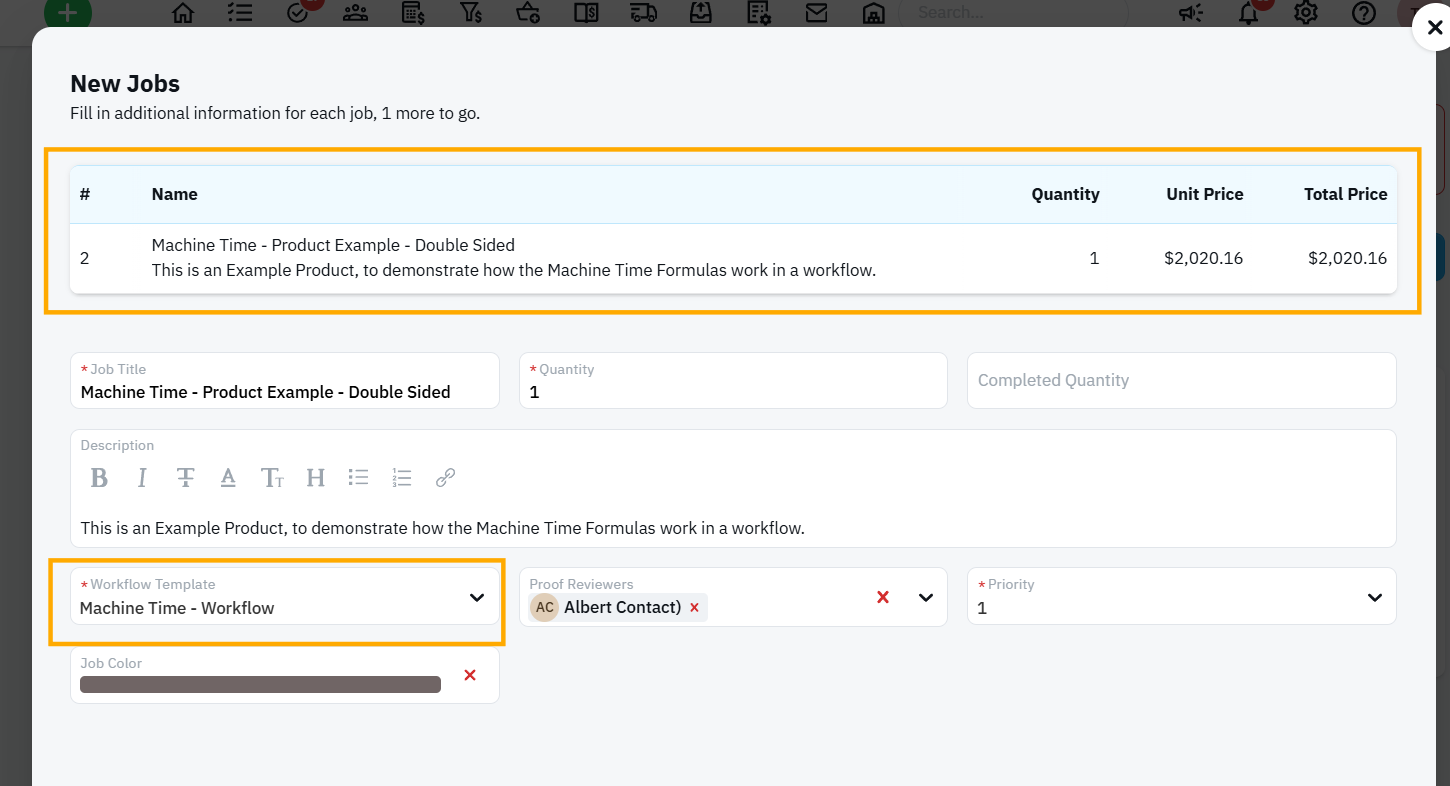
Create a Job:
Confirm both line items are using the correct workflow template.
Save the job and & Finish.
Step Board
From the Step board you can isolate your order to see the results.
In conclusion, the Machine Time Formula offers a structured and efficient way to estimate production times across multiple workflow steps, enhancing time management and workload distribution. By integrating product-specific modifiers with machine capacities, the formula ensures accurate and dynamic calculations, helping your team meet deadlines and optimize resources. Testing the setup on a sales order and using the step board for real-time tracking ensures that your production processes stay streamlined. This feature ultimately empowers your production team to maintain consistency, efficiency, and accuracy in daily operations.
 Updated
by Tyler MacDonald